Know what AI is being used for
Beacon turns employee AI activity into plain business topics, owners, and decisions you can act on.
Beacon gives your office one simple way to see what AI is being used for, stop the wrong use before you pay for it, and keep sensitive AI checks inside your company environment.
Refundable reservation deposit. Payment options and fulfillment timing are confirmed during secure checkout and review.
Beacon turns employee AI activity into plain business topics, owners, and decisions you can act on.
Block risky, personal, or unfunded requests before they create more provider usage.
Run the first decision inside your office while SignalCost receives the business record needed for reporting.
Your team should be able to see value without a heavy technical rollout. Beacon gives each office a short, guided path for the way your people already use AI.
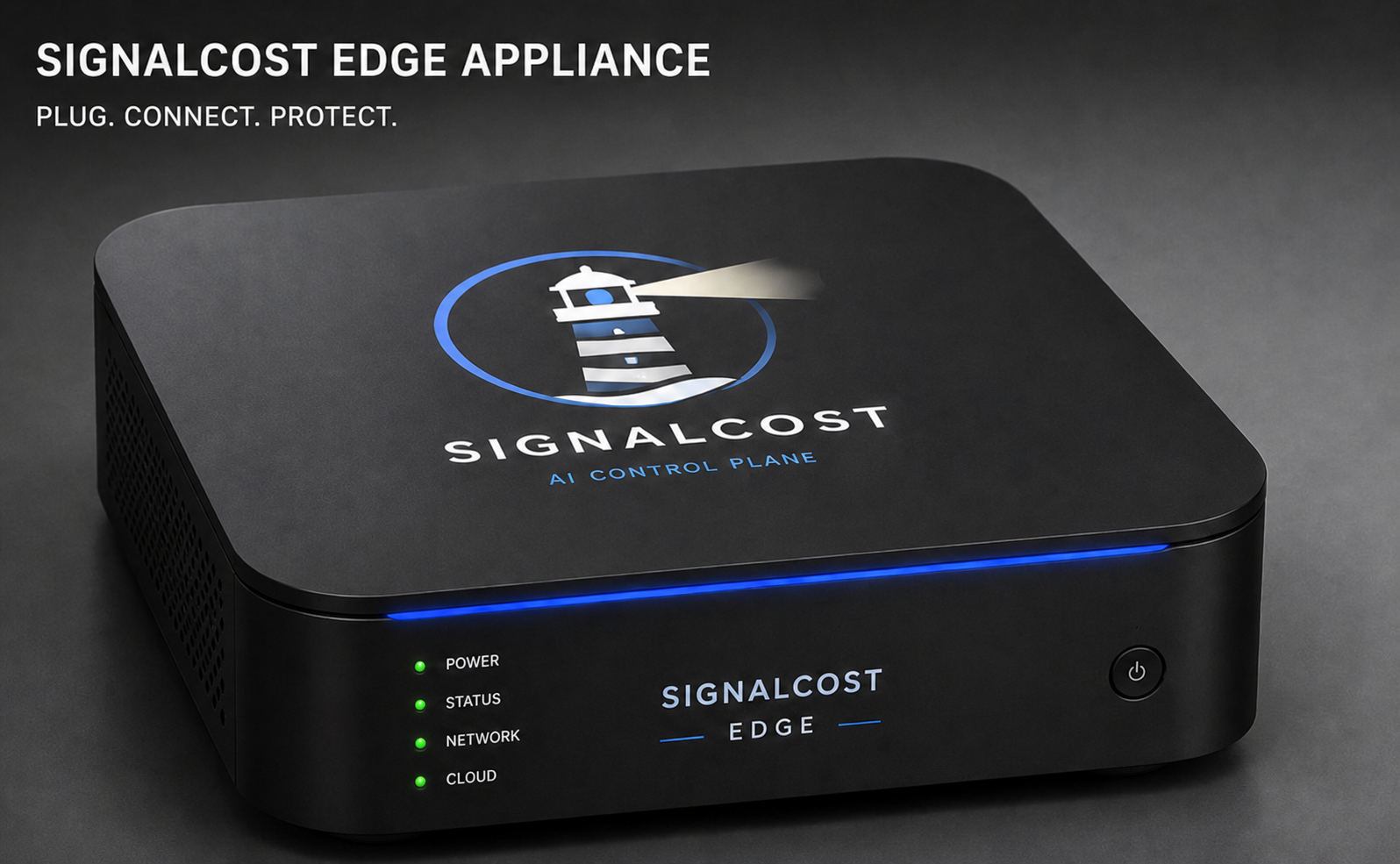
Beacon is the office device for company AI. It gives your business one local place to check AI requests before money or sensitive work leaves your network.
Log in to SignalCost, type the code shown by the unit, and choose which office or team the Beacon protects.
Start local Beacon capture, then add the native browser installer or a managed endpoint, SDK, MCP, or OpenTelemetry source that matches the traffic your team already uses.
The deposit reserves your Beacon. Before shipment, we confirm the office, support plan, payment balance, and activation details. After delivery, the portal links the activation code, Beacon health, and support handoff to the same order.
One-year limited hardware warranty and replacement workflow after support validation.
Ships after reservation review and fulfillment confirmation.
It holds your place in the Beacon reservation queue. The remaining balance is collected before shipment after we confirm fulfillment details.
No. Beacon is the office device. SignalCost Cloud manages your account, policies, subscription, reports, updates, and fleet view.
By default, no. Beacon can review the request locally and send SignalCost only the business decision record. Full prompt sharing is an opt-in setting.
Admins start with local Beacon capture, then add browser, endpoint, SDK, MCP, or OpenTelemetry sources as coverage needs grow.
Yes. Choose the number of offices or locations you want to protect. Each Beacon gets its own activation code so you can manage every site from SignalCost.
We confirm your shipping details, support contact, and payment balance before shipment. When the unit arrives, you plug it in and activate it with the code shown on the device.